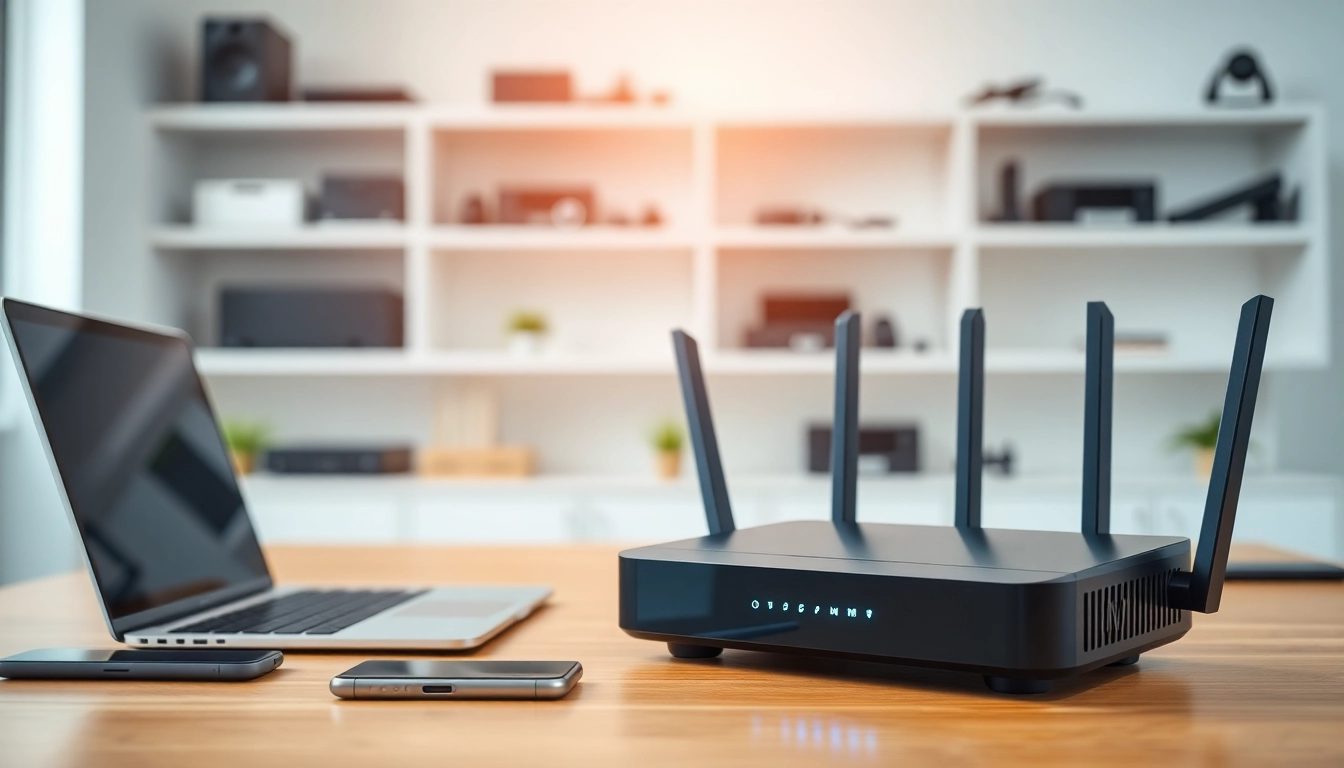
Understanding VPN Routers
What is a vpn router?
A vpn router is a specialized networking device that enables secure internet connections by routing traffic through a Virtual Private Network (VPN). Unlike standard routers, which only manage local network traffic, a vpn router encrypts data at the source, ensuring that all devices connected to it enjoy enhanced privacy and security. It establishes a secure tunnel, shielding your online activities from potential eavesdroppers, whether you are at home or using a public Wi-Fi network.
How vpn routers work
The primary function of a vpn router is to create a secure connection between your devices and the internet by utilizing VPN protocols. When you connect your devices to a vpn router, all internet traffic is routed through the VPN server. This process involves a few crucial steps:
- Connection Establishment: The router connects to a remote VPN server, authenticating the user and establishing a secure connection.
- Data Encryption: The router encrypts the outgoing traffic, rendering it unreadable to anyone who might intercept it.
- Data Routing: The encrypted data is sent through the VPN server, which then forwards it to the destination on the internet.
- Response Handling: Data responses from the internet are sent back to the VPN server, decrypted by the router, and routed to the connected devices.
Benefits of using a vpn router
Implementing a vpn router offers numerous advantages:
- Enhanced Security: With encryption, your personal data is protected from hackers and snoopers, even on unsecured networks.
- Privacy: Your IP address is masked, helping to maintain your anonymity online.
- Universal Coverage: All devices connected to the router gain VPN protection without needing individual installations.
- Geo-Spoofing: Access location-restricted content by connecting to servers in different geographical locations.
- Bypasses Firewalls: Access restricted websites and content not usually available in certain regions.
Top Features to Look For
Speed and performance in vpn router
When selecting a vpn router, speed is crucial. Look for routers that support the latest Wi-Fi standards, such as Wi-Fi 6, which can significantly boost performance. The router's processor also affects speed; those with dual-core or quad-core processors can handle higher data loads efficiently. Additionally, the router should support high-bandwidth activities like 4K streaming and online gaming without lag.
Compatibility with devices
Your vpn router should seamlessly connect multiple types of devices, including smartphones, laptops, smart TVs, and IoT gadgets. Ensure it supports dual-band frequencies (2.4GHz and 5GHz) allowing a broader spectrum of connectivity options. Moreover, routers with extensive software compatibility will ensure easier integration with various VPN services.
Security protocols in vpn router
Different VPN protocols offer varied levels of security and performance. A quality vpn router will support multiple protocols like OpenVPN, IKEv2, L2TP/IPsec, and WireGuard. Each of these protocols brings unique advantages. For instance, OpenVPN is widely respected for its strong security features, while WireGuard is known for its speed and simplicity. Choose a router that allows you to customize and select the protocol most suited to your needs.
Setting Up Your VPN Router
Step-by-step installation guide
Setting up a vpn router may seem daunting, but with a structured approach, it can be straightforward. Follow these steps:
- Connect the Router: Plug the router into a power source and connect it to your modem using an Ethernet cable.
- Access the Configuration Page: Use a computer or mobile device to access the router's web interface (typically found at an IP address such as 192.168.1.1).
- Log In: Enter the default username and password, usually found on the router or its manual.
- Set Up VPN: Find the VPN settings in the dashboard and input the necessary details from your chosen VPN provider, such as the server address and protocol.
- Save and Restart: Save your settings and restart the router to apply changes.
Configurations for maximum security
For optimal protection, configure the following settings after initial setup:
- Enable Firewall: Ensure the built-in firewall is enabled to block unauthorized access.
- Change Default Login Credentials: Modify the default username and password to something more secure.
- Regular Firmware Updates: Check for firmware updates routinely to patch security vulnerabilities.
- Use Strong Encryption: Opt for high-level encryption settings offered by your VPN protocol.
Troubleshooting common issues
Even with the best setup, you may encounter a few common issues:
- Slow Speeds: If your connection is slow, try switching VPN servers or adjusting the router's placement. Ensure the maximum bandwidth is allocated to VPN traffic.
- Connection Drops: This might be due to ISP throttling or server issues. Test different VPN locations or contact your service provider.
- Device Compatibility Issues: Ensure that both your devices and the router support the same encryption protocols and settings.
Comparing Popular VPN Routers
High-performance vpn routers
High-performance vpn routers are designed for users requiring robust connectivity. These often feature advanced specifications, such as enhanced processors and multi-band frequencies. Examples include routers supporting Wi-Fi 6, which can handle multiple devices without a dip in performance, particularly beneficial for users with smart homes or extensive gaming requirements.
Budget-friendly options for vpn router
A budget-friendly vpn router doesn’t have to compromise on essential features. Look for routers that provide strong basic security features and support the most common VPN protocols without additional costs. Users can find quality options that balance performance and affordability, perfect for casual Internet users or small households.
Travel vpn routers: portability considerations
For those who travel frequently, portability is critical when choosing a vpn router. Compact, lightweight models that can work from different power sources are ideal. They typically include features like battery backup and mobile app support, allowing users to manage their VPN settings on the go. Furthermore, travel vpn routers can often connect to public Wi-Fi securely, making them essential for traveling users concerned about data security.
FAQs About VPN Routers
What are the best VPN routers available?
Some of the top models include those known for their speed, reliability, and extensive compatibility with VPN services, providing robust performance across various activities.
Can I use a vpn router with any ISP?
Yes, most vpn routers are compatible with all ISPs. Proper configuration is crucial to ensure optimal performance and security.
How does a vpn router enhance security?
A vpn router encrypts all network traffic, ensuring protection against unauthorized access and potential data breaches, even when using public networks.
Is it difficult to set up a vpn router?
Generally, setting up a vpn router is user-friendly. Manufacturers provide guides that simplify the installation process, and many routers have web-based interfaces for easy management.
Can I connect multiple devices to a vpn router?
Yes, a vpn router can support numerous connections simultaneously, ensuring comprehensive protection for all devices in the network without performance degradation.