Understanding the Importance of a POS System
In today's fast-paced retail and service industries, the importance of a POS system cannot be overstated. These systems streamline transactions, manage inventory, and enhance customer experience, ultimately driving business growth. Understanding what a POS system is and its critical features can significantly influence the operational efficiency of a business.
What is a POS System?
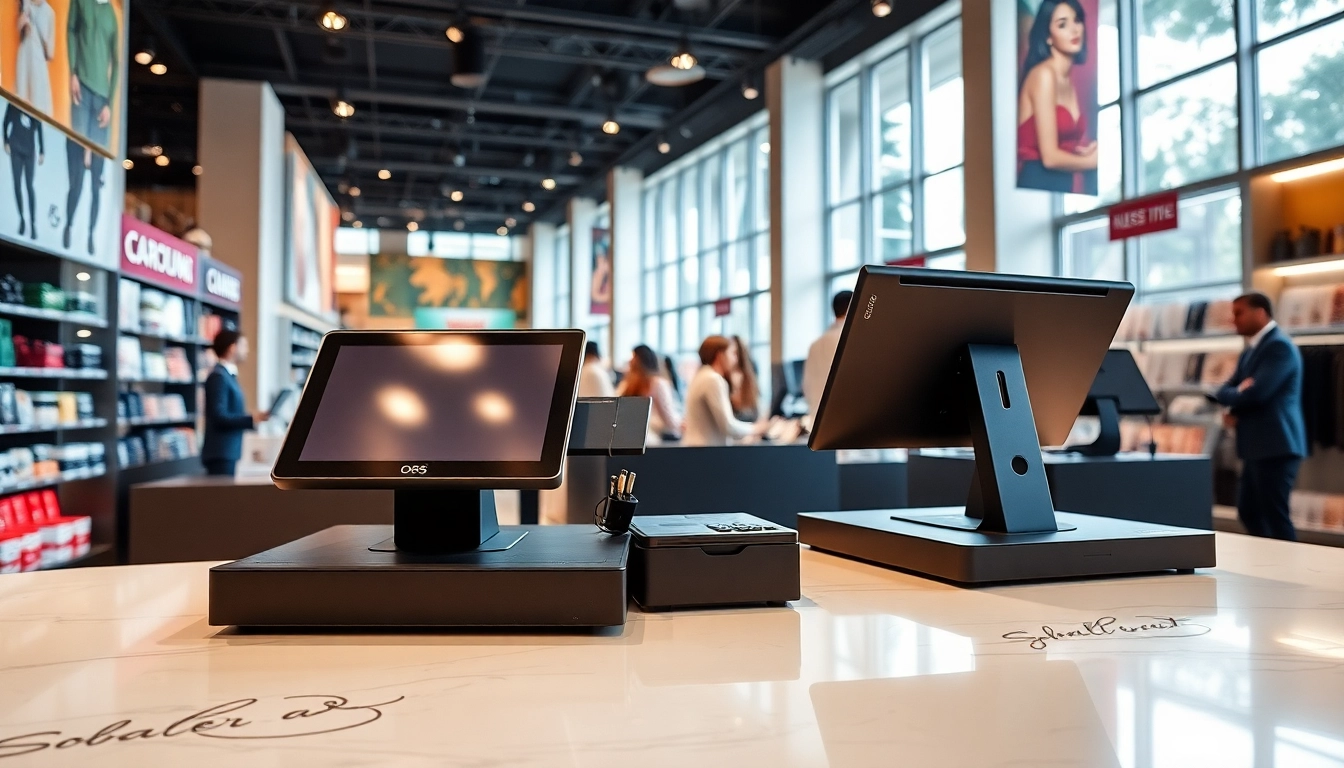
A Point of Sale (POS) system is a combination of hardware and software that enables businesses to conduct sales transactions. The hardware typically includes a terminal or cash register, barcode scanner, receipt printer, and payment processing devices. The software compiles sales data, tracks inventory, and often integrates with other business applications. In essence, a POS system is the focal point where the customer completes the transaction, and valuable data is captured.
Key Features of an Effective POS System
When evaluating a POS system, several key features can determine its effectiveness:
- Sales Tracking: Accurately records every sale, providing insights into sales performance by day, week, or month.
- Inventory Management: Automatically updates inventory levels, alerts low stock, and provides detailed reports on stock performance.
- Customer Management: Stores customer information for loyalty programs, improving personalized marketing efforts.
- Reporting and Analytics: Generates reports on sales trends, inventory turnover, and customer preferences, aiding strategic decision-making.
- Multi-Channel Support: Supports sales through various channels, including in-store, online, and mobile, ensuring a seamless shopping experience.
Benefits of Implementing a POS System
Adopting a sophisticated POS system can yield multiple benefits for businesses:
- Increased Efficiency: Streamlines transactions, reducing wait times and improving customer satisfaction.
- Enhanced Accuracy: Minimizes human errors in transactions and inventory counts.
- Data-Driven Decisions: Leverages sales data to inform business strategies, inventory management, and marketing campaigns.
- Improved Customer Experience: Facilitates faster service and provides personalized customer interactions through stored data.
- Cost Savings: Automates many administrative tasks, freeing up resources for business growth.
Choosing the Right POS System for Your Business
Choosing the right POS system requires a thorough evaluation of business needs and market options. Each business has unique requirements that must be met to ensure effectiveness and efficiency in operations.
Evaluating Your Business Needs
Before exploring POS systems, conducting an internal assessment of your business operations is critical. Consider factors such as:
- Type of business (retail, restaurant, service)
- Volume of transactions
- Number of locations
- Preferred payment methods
- Integration needs with existing software
Comparing Different POS System Options
With various options available, it is essential to compare different POS systems. Key elements for comparison include:
- Cost: Evaluate upfront costs versus monthly subscriptions and hidden fees.
- Usability: The interface should be user-friendly and easy to navigate for staff.
- Customer Support: Assure that reliable support is available for troubleshooting.
- Scalability: Find a system that can grow with your business as it expands.
Factors to Consider Before Purchase
Before making a purchase decision, consider the following:
- Hardware Compatibility: Ensure compatibility with existing hardware or readiness to invest in new equipment.
- Software Integrations: Assess potential integrations with e-commerce platforms, accounting software, and other business tools.
- Reviews and Recommendations: Research user experiences and professional reviews to gauge reliability and performance.
- Trial Period: Opt for systems that offer a trial period for testing purposes.
Implementing Your POS System Successfully
Implementation of a POS system can be a seamless process when approached strategically. Proper planning and execution are crucial for achieving desired results.
Steps for a Smooth Integration Process
An effective integration process typically involves the following steps:
- Preparation: Define your goals and the timeline for implementation.
- Installation: Set up the hardware and install the software according to specifications.
- Data Migration: Transfer existing data from previous systems to the new POS.
- Testing: Conduct thorough testing to ensure everything functions correctly.
Training Your Staff on the New POS System
Training is critical to successful implementation. A well-trained staff can capitalize on the new features and efficiencies of the POS system. Consider the following:
- Hands-on sessions to familiarize staff with the hardware and software.
- Creating user manuals and quick reference guides for daily operations.
- Ongoing support for staff to resolve issues and improve usage proficiency.
Monitoring Performance Post-Implementation
After implementing the POS system, ongoing monitoring ensures that the system meets business objectives. Utilize key performance indicators (KPIs) such as:
- Transaction times
- Accuracy of inventory counts
- Customer feedback and satisfaction ratings
Optimizing Your Business with Advanced POS System Features
Once established, a POS system opens up opportunities for optimization. Advanced features can further enhance business operations.
Utilizing Data for Better Decision Making
One of the greatest advantages of modern POS systems is data generation. Businesses can leverage this data to:
- Identify top-selling products to optimize inventory.
- Analyze sales trends to forecast future demand.
- Tailor marketing efforts based on customer preferences.
Enhancing Customer Experience Through Your POS System
A great customer experience can set your business apart. Features that enhance customer experience include:
- Loyalty programs integrated into transactions.
- Personalized promotions through customer profiles.
- Streamlined check-out processes to reduce wait times.
Integrating Other Business Tools with Your POS System
Maximizing efficiency involves integrating your POS system with other business tools. Consider connecting it with:
- Accounting software for seamless financial management.
- Inventory management systems for real-time stock updates.
- E-commerce platforms to unify online and offline sales channels.
Frequently Asked Questions About POS Systems
What types of businesses need a POS system?
Almost all retail and restaurant businesses require a POS system for efficient sales tracking and inventory management.
How can a POS system improve customer service?
A POS system speeds up transactions and helps staff access customer data quickly, enhancing service efficiency and personalization.
What should be considered when choosing a POS system?
Consider features, pricing, usability, customer support, hardware compatibility, and reporting capabilities.
Can a POS system help with inventory management?
Yes, many POS systems include inventory management tools that track stock levels, sales trends, and product performance.
Is cloud-based or on-premise POS system better?
Cloud-based systems offer flexibility and remote access, while on-premise systems provide more control but can be less scalable.