







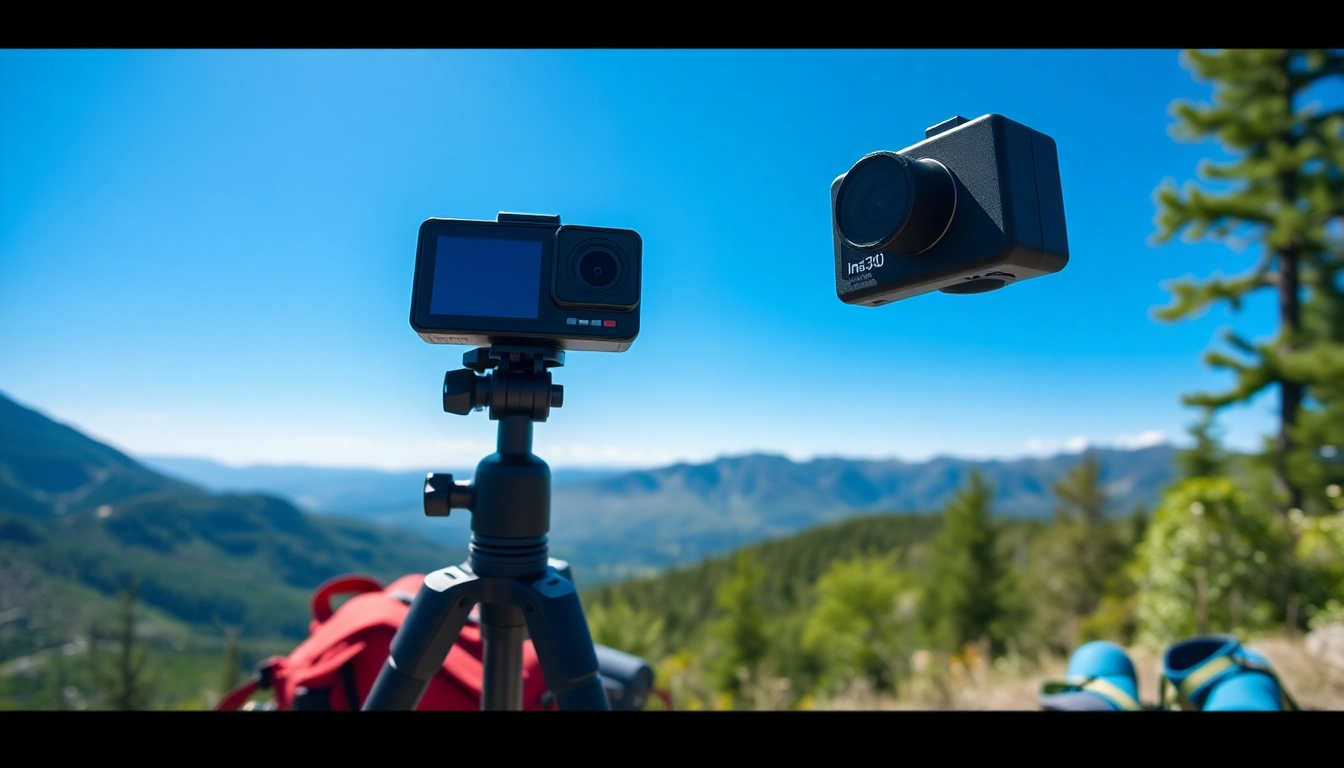
Understanding the Insta360: Features and Benefits
Core Features of Insta360
The Insta360 camera series is designed for maximum versatility in capturing immersive 360-degree content. One of its standout features is the ability to record high-resolution images and videos while providing users the technology to create engaging, panoramic views. The camera’s compact design makes it portable, allowing creators to easily take it on adventures without compromising quality. The user-friendly interface ensures that both beginners and professionals can navigate its settings swiftly. Furthermore, the Insta360’s various shooting modes, including time-lapse, hyper-lapse, and bullet time, allow creators to experiment with different artistic expressions.
Cloud Services Integration
Another significant benefit of the Insta360 is its seamless integration with cloud services. This feature enables users to automatically back up their media and access it from different devices. The Insta360 Cloud provides tools for easy sharing, editing, and collaboration, ensuring that creators can manage their content effectively from anywhere in the world. Users can harness the power of the cloud to enhance their content production workflow by using advanced editing functions and automatic stabilization features. With cloud integration, creators are no longer tethered to their cameras; they can work freely and efficiently while keeping their files secure.
Usability Across Different Settings
The flexibility of the Insta360 makes it perfect for a wide range of settings, including indoor and outdoor environments. Whether you’re capturing a bustling city skyline or a serene natural landscape, the camera adjusts its settings automatically to deliver optimal image quality. The Insta360 is equipped with various sustainability features, such as weather resistance, allowing it to withstand different environmental conditions without risking damage. This adaptability ensures that no moment is missed, regardless of where life takes you.
Getting Started: Setting Up Your Insta360
Unboxing and Initial Setup
Setting up your Insta360 is straightforward and user-friendly. Upon unboxing, you’ll find the camera, a USB charging cable, a safety strap, and a user manual. Start by charging your device until the battery indicator shows a full charge. Next, download the Insta360 app, available for both iOS and Android devices. The app acts as a central hub for your camera, allowing you to manage settings, preview shots, and edit content directly from your smartphone. Follow the on-screen instructions for initial camera configuration, including connecting to Wi-Fi and enabling necessary permissions.
Connecting to Your Devices
To connect your Insta360 to your devices, enable Bluetooth on your smartphone. Open the Insta360 app, and it will automatically search for your device. Once connected, you can remotely control your Insta360 camera from your phone, making it easier to frame shots and explore different filming options. The app also provides connection troubleshooting tips if you run into any issues, ensuring a smooth user experience from the outset.
Basic Operations to Know
Familiarize yourself with the basic operations of the Insta360 to maximize your filming potential. Key operations include power on/off, switching between shooting modes, and adjusting settings such as resolution and framerate. The camera features a straightforward interface with a touchscreen display that allows you to navigate through settings efficiently. Additionally, learning how to use the one-click shot feature can help you capture spontaneous moments effortlessly, adding spontaneity to your content creation.
Advanced Techniques: Elevating Your Content
Creative Shot Ideas with Insta360
Once you’re comfortable with the basics, it’s time to elevate your content with creative shooting ideas. Consider using the ‘Bullet Time’ mode to create cinematic slow-motion shots that swirl around the subject. You can also experiment with hyper-lapse shots, where time is compressed to showcase significant events quickly. By combining various angles and perspectives, such as wide panoramas and close-ups within the same shot, you can present unique stories that captivate your audience.
Using Editing Software Effectively
The editing capabilities of the Insta360 are robust, allowing users to fine-tune their multimedia output. The accompanying software includes features such as AI-assisted editing tools, which can suggest the best clips and transitions. Take the time to learn the editing capabilities thoroughly, as this step is crucial for producing high-quality footage. Invest in time to practice with the software to best utilize its functions and uncover innovative ways to create engaging narratives through your edits.
Incorporating Dynamic Elements in Footage
Adding dynamic elements to your footage will enhance viewer engagement. Think about incorporating movement, such as walking through different environments, or employing drones for aerial shots. You can also introduce overlays, graphics, and sound effects in post-production to bring a new dimension to your visuals. By integrating these dynamic elements, your content can stand out while narrating a story that is both captivating and visually appealing.
Maximizing Social Media with Insta360 Content
Best Platforms for Sharing
Social media is pivotal for content dissemination, especially 360 content. Platforms like Instagram, Facebook, and YouTube are excellent for sharing your Insta360 creations. Each platform supports immersive experiences differently; for instance, Facebook allows you to upload 360 photos directly, while YouTube supports 360 video, enabling full immersion. Familiarizing yourself with each platform’s best practices can help you maximize engagement and audience reach.
Engaging Your Audience with 360 Content
Creating 360 content offers a unique way to engage your audience that traditional photography cannot replicate. Consider hosting virtual tours or experiences where your viewers can navigate the environment as if they were physically there. This interactive element invites your audience to engage deeply, encouraging comments and shares, making your content more likely to go viral. Building a narrative around your content can enhance engagement further, drawing viewers into the experience.
Social Media Trends to Follow
Keeping up with social media trends is essential for maintaining relevance. Stay informed about emerging trends like live videos, interactive content, and short-form video clips. Leverage these trends by incorporating them into your Insta360 content to keep your audience interested. Engagement rates are often higher when utilizing trendy formats, so analyzing the analytics provided by social media platforms can guide your content strategy effectively.
FAQs About Insta360
What is the best setting for using the Insta360?
The ideal settings for your Insta360 depend on your shooting environment. In well-lit areas, use higher resolutions for better quality. For low-light conditions, optimize the settings by increasing exposure.
How can I improve image quality with the Insta360?
To enhance image quality, ensure you’re shooting in the correct resolution, utilize stabilization features, and familiarize yourself with different shooting modes.
Can I use Insta360 for live streaming?
Yes, many Insta360 models support live streaming, enabling you to share your experiences in real-time across various platforms.
What editing apps are compatible with the Insta360?
The Insta360 camera works well with the Insta360 app, Adobe Premiere Pro, Final Cut Pro, and other editing software, offering extensive editing capabilities.
How do I maintain my Insta360 camera?
Regular maintenance includes cleaning the lenses, ensuring firmware is up-to-date, and storing it in a dry place to prevent damage.