






Introduction to Laser Cutting Designs
Laser cutting has revolutionized the manufacturing and crafting industries, allowing for precise and intricate designs that traditional cutting methods cannot achieve. At the heart of this technology are laser cutting designs, which provide the templates and files necessary for laser cutting machines to create everything from simple carvings to complex architectural models. In this article, we will explore the diverse world of laser cutting designs, how to choose the right ones, and how to create your custom designs for various applications.
What Are Laser Cutting Designs?
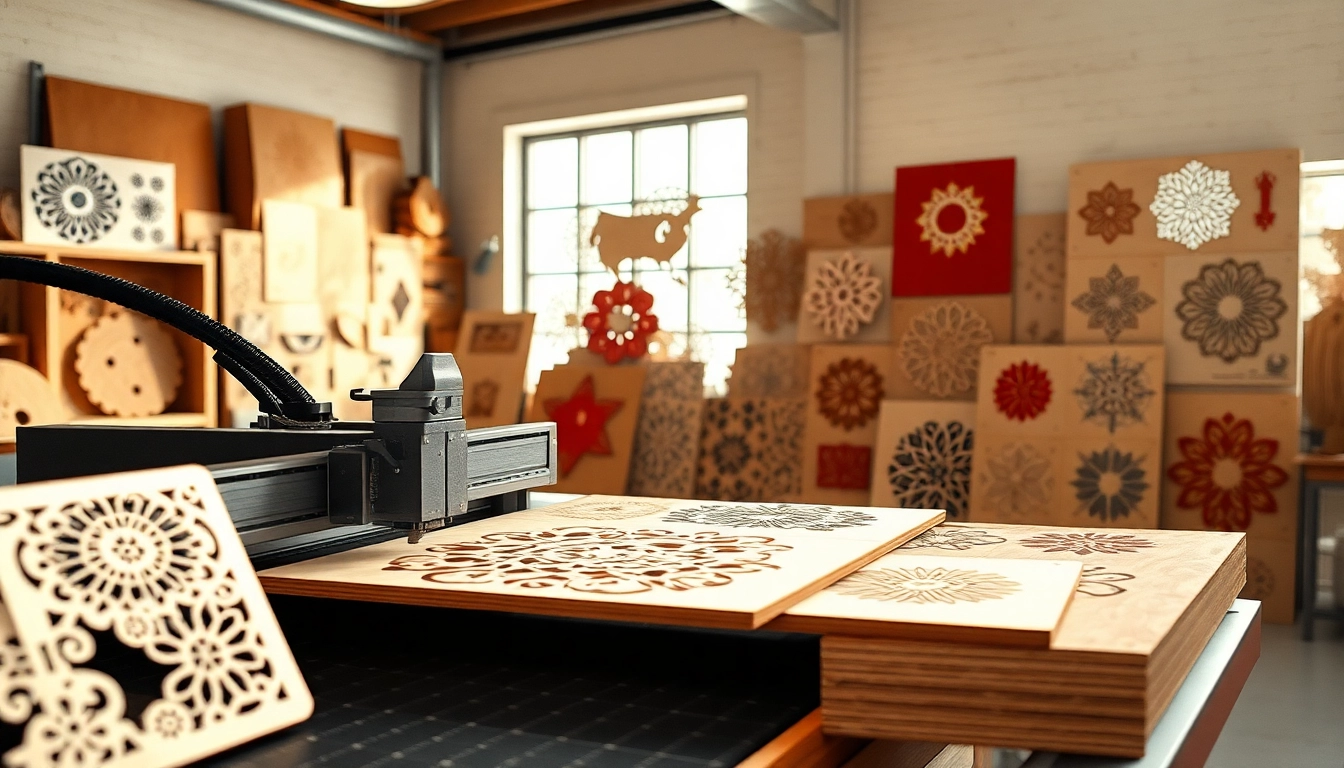
Laser cutting designs refer to digital vector files used to guide laser cutting machines in processing various materials such as wood, acrylic, and metal. These designs are typically created using graphic design software and can encompass a wide range of projects—including signage, prototypes, home décor, jewelry, and much more. The beauty of laser cutting lies in its precision; the laser can cut or engrave complex patterns with minimal material waste, resulting in clean edges and detailed finishes.
How to Choose Suitable Laser Cutting Designs
Selecting the right laser cutting design depends on various factors including the project needs, the type of materials being used, and the capabilities of your laser cutter. Here are some considerations:
- Material Compatibility: Ensure that the design is suitable for the material you are working with.
- Complexity Level: Choose designs that match your skill level and the capabilities of your equipment.
- Use Case: Consider the functional and aesthetic requirements of your project.
- Scalability: Some designs can be easily scaled to different sizes without losing detail, while others may not.
The Benefits of Using Laser Cutting Designs
Adopting laser cutting designs in your projects offers distinct advantages, including:
- Precision: Laser cutting is one of the most accurate cutting methods available.
- Versatility: Designs can be adapted for various materials and applications.
- Speed: Laser cutting is often faster than traditional methods, significantly reducing production time.
- Minimal Waste: The laser cutting process typically results in less material waste compared to other cutting methods.
Types of Laser Cutting Designs
Popular Formats for Laser Cutting Designs
When working with laser cutting files, it’s essential to understand the different file formats available, as they can influence compatibility with various laser cutting software and machines. Here are the most common formats:
- SVG (Scalable Vector Graphics): A widely used format that is flexible and can be scaled without losing quality.
- DXF (Drawing Exchange Format): Commonly used for CAD applications, ideal for complex designs.
- AI (Adobe Illustrator): A popular format for creating and editing vector graphics.
- PDF (Portable Document Format): Often used for sharing designs while retaining formatting.
Applications in Different Materials
Laser cutting designs can be utilized across a variety of materials. Each material has specific attributes that can enhance the laser cutting process:
- Wood: Ideal for intricate cuts and engravings; great for crafts, furniture, and art projects.
- Acrylic: Offers vibrant color options and can be used for signage, decorative pieces, and models.
- Leather: Suitable for custom bags, wallets, and fashion accessories with unique designs.
- Metal: Though requiring more powerful lasers, metal cutting is perfect for structural elements and artwork.
Custom vs. Pre-made Laser Cutting Designs
When considering your projects, deciding between custom and pre-made designs is essential:
- Custom Designs: Tailored specifically to project requirements, but may require more resources and time to develop.
- Pre-made Designs: Convenient and time-saving, these files can be modified but may lack uniqueness.
How to Create Your Own Laser Cutting Designs
Software Tools for Designing
Creating your own laser cutting designs is accessible through various software applications that cater to different skill levels:
- Adobe Illustrator: Industry-standard software for vector graphics, ideal for professional designers.
- Inkscape: A free and open-source alternative for creating vector designs.
- CorelDRAW: A powerful design software popular among many laser cutting aficionados.
- LightBurn: Specifically designed for laser cutting, this software streamlines the design and engraving processes.
Steps to Convert Ideas into Designs
Transforming ideas into laser cutting designs involves a systematic approach:
- Conceptualization: Start with brainstorming and sketching your design ideas.
- Software Selection: Choose an appropriate software that suits your skill level and design needs.
- Create the Design: Use the software tools to draw, modify, and refine your design.
- Exporting: Save your design in a compatible format for your laser cutting machine.
Best Practices for Designing
To ensure quality and functionality in your laser cutting designs, consider the following best practices:
- Keep It Simple: Complex designs may lead to complications during cutting.
- Test Cuts: Always perform test cuts on scrap material to perfect settings before the final cut.
- Use Layers: Organize different aspects of your design in layers for easy management.
- Optimize for Material: Tailor your design parameters based on the material used, accounting for speed and power settings.
Finding Quality Laser Cutting Designs Online
Top Websites for Free Laser Cutting Designs
Numerous websites provide access to free and paid laser cutting designs. Here’s a selection of the best sources:
- Ponoko: Offers a large collection of free laser cutting files and templates.
- Design Bundles: A marketplace featuring diverse designs tailored for various laser cutting machines.
- Atomm: Hosts a vast library of crafting files for laser cutting and engraving across materials.
- Vecteezy: Provides high-quality graphics and vector art, including laser cut files.
Evaluating Quality and Usability
When sourcing laser cutting designs, it’s crucial to evaluate the quality and usability of the files:
- Check for Compatibility: Ensure the design is compatible with your laser cutter and software.
- Read Reviews: Look for user feedback on designs concerning quality and ease-of-use.
- Preview Designs: Many sites allow previews; ensure the details meet your project standards.
- Consider File Integrity: Variability in formats can affect the outcome; ensure the file is vector-based for crisp cuts.
Community Resources and Templates
Engaging with online communities can be invaluable for discovering resources:
- Forums: Places like Reddit and dedicated crafting forums feature members sharing designs and experiences.
- Social Media: Groups on platforms like Facebook often share ideas and templates.
- Meetup Groups: Local maker spaces and workshops offer hands-on resources and collaborative opportunities.
FAQs About Laser Cutting Designs
What is a laser cutting design?
A laser cutting design is a digital file used to direct a laser cutter to create precise cuts or engravings on various materials.
Where can I find free laser cutting designs?
Free laser cutting designs can be found on design websites, forums, and platforms specializing in craft templates.
What materials can I use for laser cutting designs?
You can use materials like wood, acrylic, leather, and cardstock, depending on your laser cutter’s specifications.
Do I need special software for creating laser cutting designs?
Yes, vector graphic design tools such as Adobe Illustrator, Inkscape, or CorelDRAW are commonly used to create laser cutting designs.
Can I customize existing laser cutting designs?
Absolutely! Most laser cutting designs can be easily modified to suit your specific project needs using vector editing software.