






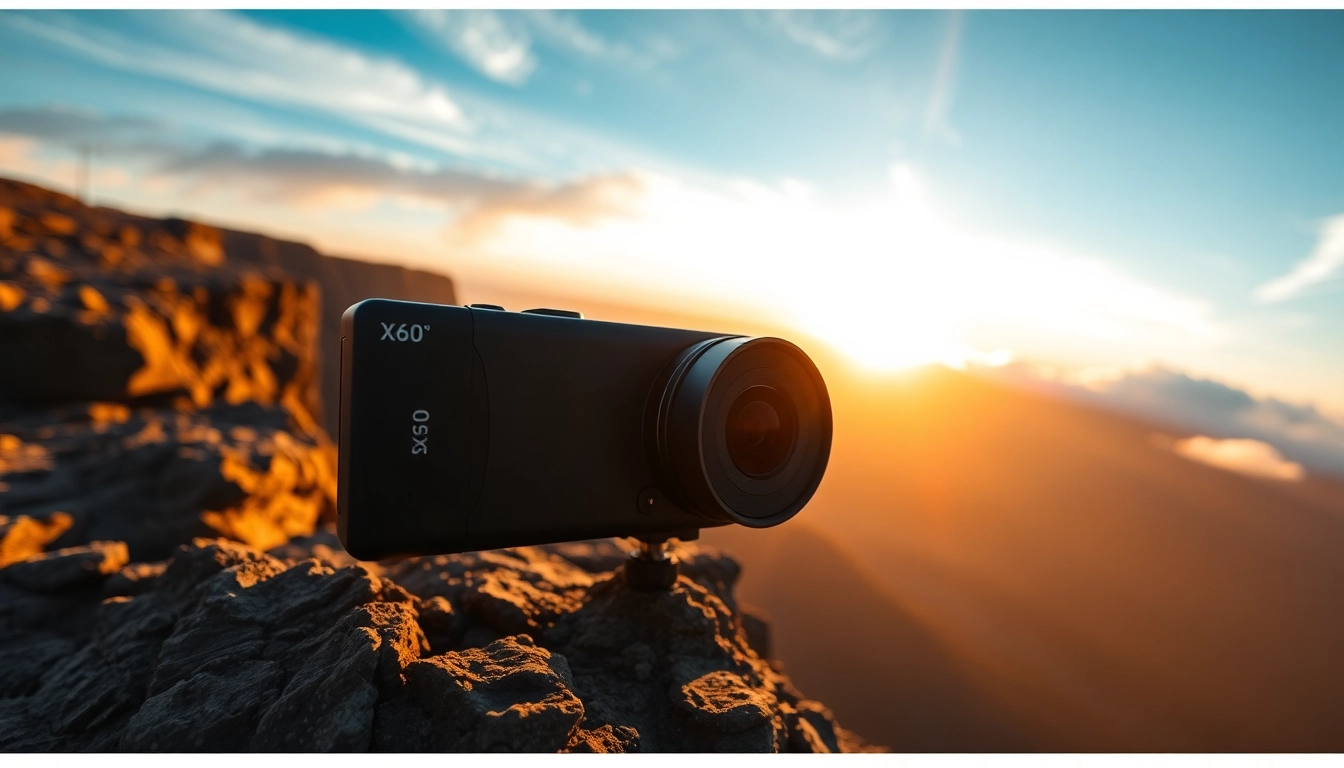
- The Power of Insta360 X5: Introduction to Its Design and Functionality
- Getting Started: Setting Up Your Insta360 X5
- Advanced Techniques: Maximizing Your Insta360 X5 Footage
- Common Issues and Solutions for Insta360 X5 Users
- Future Trends in 360-Degree Photography: The Role of Insta360 X5
- FAQs about Insta360 X5
The Power of Insta360 X5: Introduction to Its Design and Functionality
In the realm of photography and videography, the capability to effortlessly capture immersive content that transports viewers to different environments is invaluable. Enter the Insta360 X5, a groundbreaking 360-degree camera designed to provide both seasoned creators and beginners with the means to produce stunning 8K video. This comprehensive article will delve deep into the design, functionality, and core features that set the Insta360 X5 apart in an increasingly crowded market.
Key Features of Insta360 X5
At the heart of the Insta360 X5 is a set of exceptional features that elevate the quality of 360 videos and photographs. With an impressive 8K30fps capability, creators can capture each moment in exquisite detail. This camera incorporates PureVideo technology which optimizes low-light performance, allowing for brilliant visuals even in challenging lighting scenarios. Furthermore, the X5 comes equipped with a waterproof design, making it suitable for underwater adventures at depths up to 49 feet.
The inclusion of replaceable lenses is a game-changer, enabling users to switch between various lenses tailored for different shooting conditions. This modular design not only enhances versatility but also maximizes the quality of the footage by utilizing the best optics for the scenario. Additionally, the Insta360 X5 features an invisible selfie stick effect that seamlessly integrates into the captured content, providing a third-person perspective without the presence of the stick itself.
Specifications Comparison with Earlier Models
When comparing the X5 to its predecessors, such as the Insta360 One X2, the advancements become evident. The X5 boasts a substantial sensor upgrade with dual 1/1.28-inch sensors, compared to smaller sensors in earlier models. This larger sensor size dramatically improves image quality and light sensitivity, yielding more vibrant colors and nuanced shadows. Battery life is another important consideration; the Insta360 X5 offers a robust three-hour shooting time, making it suitable for longer projects or extensive outings without the anxiety of battery depletion.
With built-in stabilization technology, users can expect fluid and smooth footage even in dynamic environments. In contrast, previous models often required additional stabilization methods or editing techniques to achieve professional-level results.
User Experience and Accessibility
User experience is paramount to the success of any device, and the Insta360 X5 shines in this regard. Setting up the camera is straightforward, even for those who might be new to 360-degree content creation. The intuitive interface combined with a dedicated app allows users to control the camera remotely and access various shooting modes effortlessly. Users can quickly switch between manual and automatic settings, making it adaptable for both casual shooting and more intricate projects requiring expert adjustments.
Moreover, community support surrounds the Insta360 X5, with numerous online forums and groups where users can share tips, troubleshooting hacks, and creative ideas. This collaborative atmosphere fosters a collective growth and learning experience, empowering users to explore their creativity with the X5 freely.
Getting Started: Setting Up Your Insta360 X5
Unboxing Your Insta360 X5
Unboxing the Insta360 X5 is an experience in itself. The packaging is designed to exude quality, highlighting the significance of the product within. Upon opening the box, users will find the camera, a battery, lens caps, a USB-C charger, and a user manual. Each component is well organized and secured, ensuring that the camera arrives without damage.
It’s essential to inspect each item included in the package before proceeding with setup. Users should take a moment to familiarize themselves with the different parts, as understanding their function will aid in the setup process and ultimately enhance the user experience.
Step-by-Step Setup Guide
Setting up the Insta360 X5 is a quick and easy process. Here’s a step-by-step guide to help you get started:
- Charge the Battery: Before use, ensure that the battery is fully charged. This typically takes about 1-2 hours.
- Insert the Battery: Locate the battery compartment on the bottom of the camera. Simply slide the door open, insert the battery aligning the connectors, and close the compartment securely.
- Attach Lens Caps: If you plan on using the camera underwater, don’t forget to attach the lens caps back on after charging.
- Download the App: For full functionality, download the Insta360 app from your device’s app store. This will provide access to all the camera’s settings and features.
- Connect the Camera: Turn on the camera and connect it to your smartphone via Bluetooth. Follow the app instructions to finalize the connection.
Battery, Storage, and Connectivity Insights
The Insta360 X5 is fueled by a rechargeable lithium-ion battery, allowing for approximately three hours of recording time depending on the shooting conditions. Users should consider purchasing additional batteries for extended sessions or shoots in remote locations. Storage is equally essential; the X5 supports microSD cards up to 1TB, providing ample space for high-resolution footage without the need for frequent transfers.
Connectivity options include WiFi for quick transfers and remote control functions, while USB-C ports enable direct connection to computers or other devices for seamless uploads and charging. This broad range of connectivity options allows the X5 to fit naturally into various workflows, ensuring that users can shoot, edit, and share content effortlessly.
Advanced Techniques: Maximizing Your Insta360 X5 Footage
Utilizing Different Shooting Modes
The Insta360 X5 is equipped with multiple shooting modes designed to cater to different creative needs. For instance, the standard mode captures immersive 360-degree footage, while the time-lapse function enables users to create dynamic sequences showcasing movement over time. Additionally, users can utilize the HDR mode for situations requiring a wider dynamic range, effectively balancing highlights and shadows.
Furthermore, the camera includes an exclusive ‘Bullet Time’ mode, allowing users to capture slow-motion footage while moving the camera in a circular motion around a subject. This mode is particularly striking for action shots or creative storytelling, introducing an engaging visual effect that captivates audiences.
Editing Tips for Stunning 360-Degree Videos
Editing is a crucial component in the production of high-quality 360-degree content. The Insta360 app provides users with powerful editing tools, enabling adjustments for stabilization, color grading, and effects. To maximize the potential of your footage:
- Experiment with different filters and color profiles to achieve the desired mood.
- Utilize the ‘Reframe’ tool to highlight specific moments within the larger 360-degree video, transforming it into a standard 16:9 format.
- Incorporate music and sound effects to enhance the storytelling aspect of your videos, creating an immersive experience for your audience.
Don’t hesitate to explore additional editing software compatible with the Insta360 X5, as there are various options available that provide advanced editing capabilities for seasoned creators.
Sharing Your Content on Social Media Platforms
Sharing content created with the Insta360 X5 is streamlined through the app, which supports direct uploads to popular social media platforms such as YouTube, Facebook, and Instagram. Before posting, ensure that your video is optimized for the respective platform, as each will have specific requirements for resolution and aspect ratios.
Use compelling captions and relevant hashtags to engage broader audiences and encourage interactions with your content. Additionally, consider leveraging the immersive capabilities of the 360 videos by utilizing stories or highlights on platforms that support interactive content, enabling viewers to experience your footage in an engaging manner.
Common Issues and Solutions for Insta360 X5 Users
Troubleshooting FAQs
Even the most advanced technology can encounter challenges. Here are common issues faced by users of the Insta360 X5, along with potential solutions:
1. Difficulty Connecting to the App
Ensure that Bluetooth is enabled on your device and the camera is powered on. Restart both devices if issues persist.
2. Footage Appears Jittery
Make sure the camera is mounted securely, and check if the stabilization feature is turned on.
3. Battery Draining Too Quickly
Disable Wi-Fi and location services when not in use. Consider using battery-saving settings.
4. Issues with Water Resistance
Ensure the lens caps are removed during underwater use. Always check seals and covers for damage before using near water.
5. Video Stitching Problems
Maintain proper camera placement and avoid obstructions in the shooting area. Ensure lighting conditions are suitable for clear stitching.
Maintenance Tips for Longevity
To ensure the Insta360 X5 remains in optimal condition, consider implementing a regular maintenance routine:
- Store the camera in a dry, cool area when not in use.
- Cleans the lenses with a microfiber cloth to remove dust or smudges.
- Regularly update the firmware to access new features and improvements.
By following these simple yet effective tips, users can prolong the life and performance of their Insta360 X5, ensuring it remains a reliable tool for capturing breathtaking content.
Community Forums for Support and Ideas
The power of community is immense when it comes to technology, and the Insta360 user community is no exception. Engaging in forums and discussion groups can greatly enhance your understanding of the camera’s capabilities. Users often share their unique experiences, creative techniques, and troubleshooting advice, which can be invaluable for both novice and advanced users alike.
Whether you’re seeking inspiration for your next project or need assistance with a technical issue, participating in these communities can provide the support you need. Platforms like Reddit and dedicated Insta360 user groups on social media are great places to start.
Future Trends in 360-Degree Photography: The Role of Insta360 X5
The Growth of Virtual Reality and Content Creation
As the world of virtual reality (VR) continues to expand, the demand for immersive content rises alongside it. The Insta360 X5 positions itself as a leading player, catering to content creators looking to capitalize on the growing interest in VR. With its robust features and capabilities, the X5 makes it easier than ever to produce high-quality 360 content that can be leveraged in various VR applications.
As industries such as real estate and tourism begin to adopt immersive experiences, creators using the Insta360 X5 will find themselves at the forefront of a new wave of visual storytelling.
How Insta360 X5 Fits into Emerging Technologies
With advancements in artificial intelligence (AI) and machine learning, the potential for enhanced features in future updates is significant. The Insta360 X5 may one day incorporate smarter editing capabilities, automatic scene detection, and enhanced predictive stabilization, which would continue to push the envelope in the realm of content creation. Furthermore, heightened connectivity with drones and other smart devices could offer users unprecedented flexibility and creativity.
Predictions for Future Updates and Innovations
Looking forward, one can anticipate that the Insta360 X5 will continually evolve to meet the needs of its users. Future updates may involve improvements in video resolution, extended battery life, or enhanced waterproofing features. Innovations such as advanced stitching algorithms to improve underwater performance and multi-camera synchronization for more complex scenarios may also soon be on the horizon.
In summary, the Insta360 X5 is a powerful device that represents the cutting edge of 360-degree photography. As users adapt to the evolving landscape of digital content, the powerful capabilities of the Insta360 X5 will undoubtedly lead to more engaging and immersive storytelling experiences.
FAQs about Insta360 X5
1. Is the Insta360 X5 suitable for underwater use?
Yes, the Insta360 X5 is waterproof up to 15 meters (49 feet), but remove lens guards before underwater use to prevent distortion.
2. What file formats does the Insta360 X5 support?
It supports both JPG and RAW photo formats, along with various video file formats, including MP4.
3. Can I use external microphones with Insta360 X5?
Yes, the camera supports external microphones through the USB-C port, providing greater audio options for video projects.
4. How long does it take to fully charge the battery?
The battery usually takes about 1-2 hours to fully charge. It’s recommended to use the original charger for optimal performance.
5. Can I edit videos directly on my phone?
Absolutely! The Insta360 app offers editing tools that allow you to edit and share videos directly from your smartphone.